Blog
Choosing Mobile Point of Sale Devices for Your Retail Store
October 14, 2026 / 10+ minute read / By Muneeza Shahid
General, Point of Sale

Blog
Mobile point of sale devices give retailers greater flexibility to process transactions and assist customers beyond a traditional checkout counter. However, choosing the right device involves more than comparing hardware prices. Retailers must consider software compatibility, inventory visibility, connectivity, payment security, and ease of use.
Whether you run a single boutique, a specialty store, or a multi-location retail business, your mobile retail setup should support your daily operations and provide a convenient checkout experience.
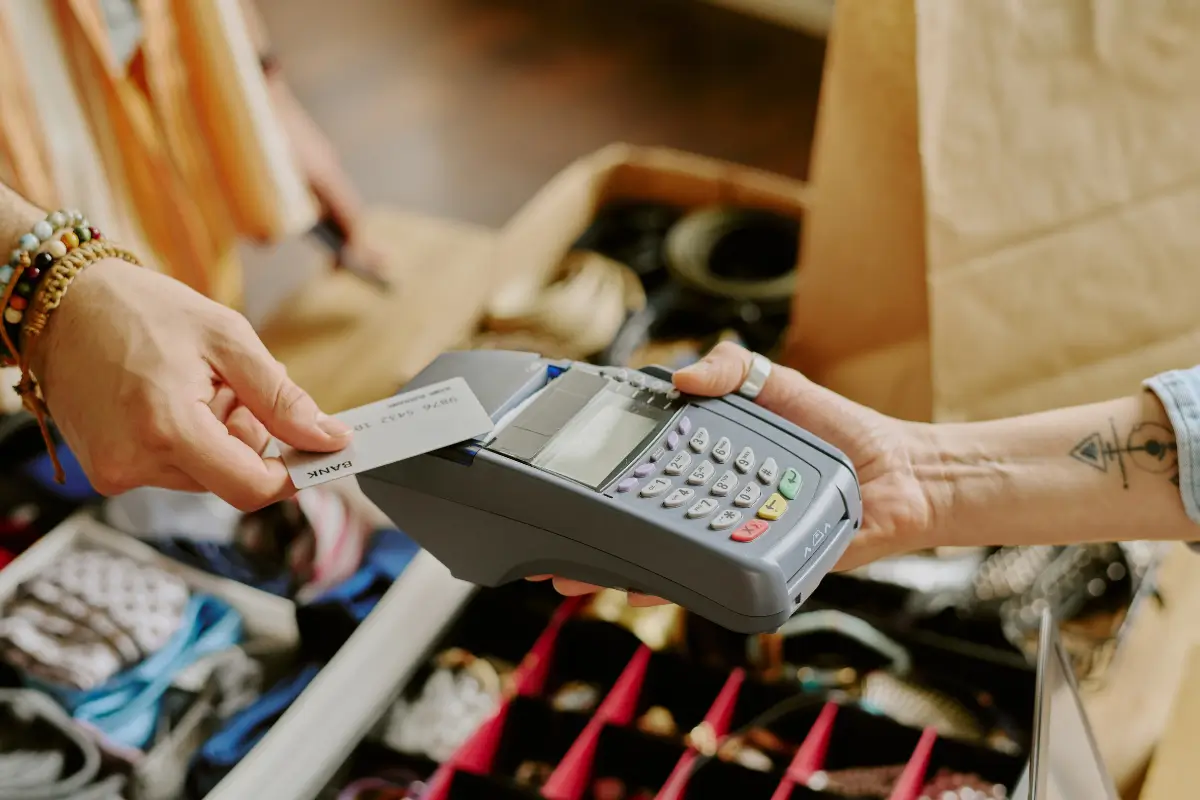
Mobile point of sale devices are portable tools that allow retailers to process sales, access product information, check inventory, and look up customer records away from a fixed checkout counter.
Unlike traditional payment terminals, mobile devices allow employees to serve shoppers across the sales floor, at temporary retail locations or during off-site events.
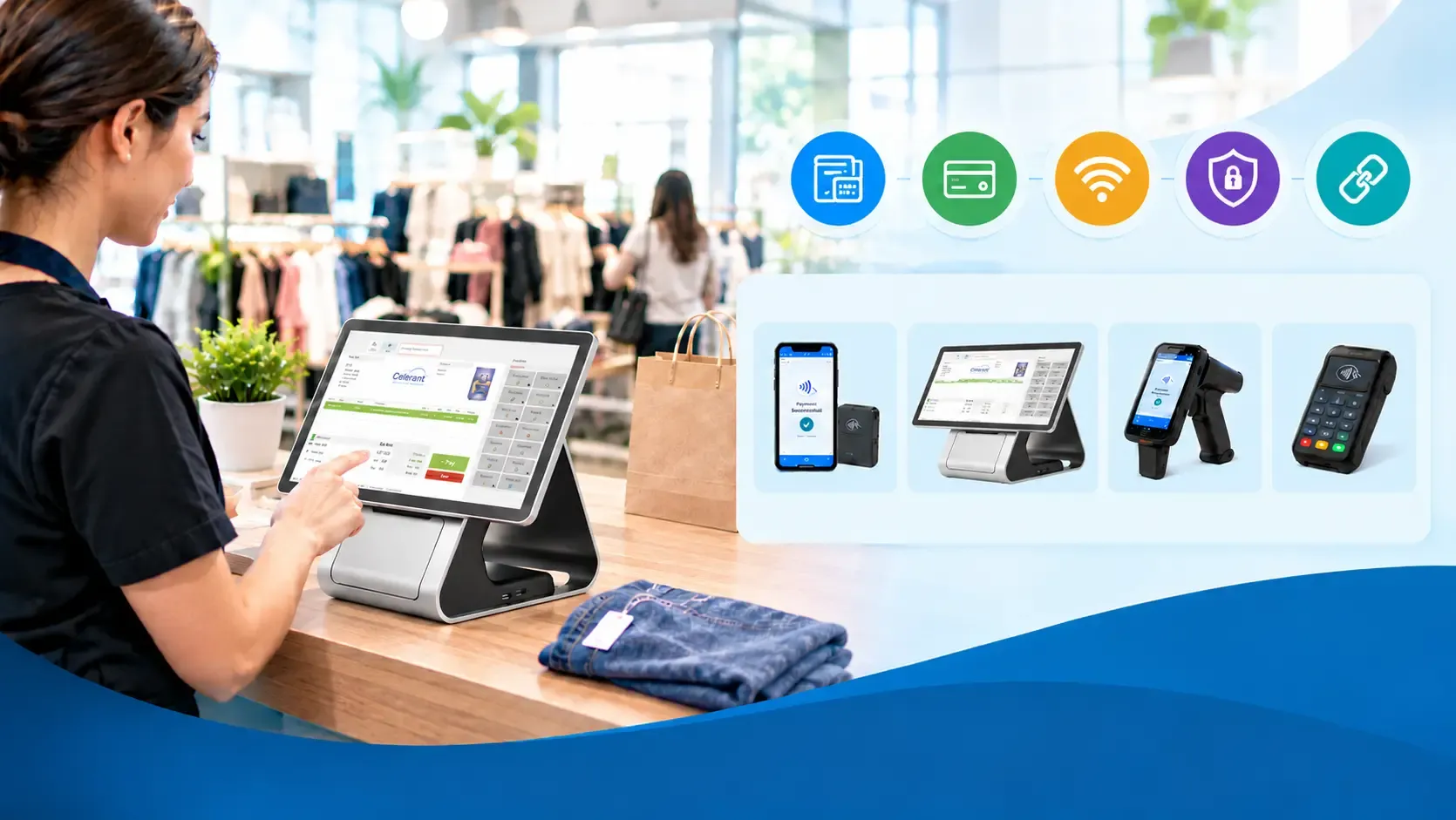
Common types include:
Capabilities vary by hardware and software. Some devices handle payments only, while others connect to broader retail management systems to support inventory, customer information and order management.
Mobile checkout allows retailers to serve customers without requiring every transaction to take place at a central register. Employees can check product availability, answer questions, and complete purchases while assisting shoppers on the sales floor.
According to the Adyen Index: Retail 2024, 25% of surveyed US consumers wanted retailers to use technology to make in-store shopping faster, while 22% of retailers surveyed offered mobile point of sale solutions. The report also found that 58% of consumers would abandon a purchase if they could not pay using their preferred method.
These findings highlight the importance of convenient checkout and flexible payment options. Depending on the software and hardware, mobile devices help retailers with:
Mobile retail systems don’t necessarily replace fixed registers. Combining mobile devices with traditional checkout stations can give retailers more flexibility while maintaining established checkout workflows.
Start by defining what you want mobile checkout to accomplish. A retailer needing occasional checkout support during busy periods will have different requirements from one processing transactions on handheld devices throughout the day.
Consider whether employees need payment processing, barcode scanning, inventory checks, customer lookups, or returns processing. Also assess where devices will be used, whether employees will share them and how many will be required during peak hours.
For example, a clothing retailer may prioritise customer order history and product lookups, while a sporting goods store may need detailed product information and stock availability. Retailers selling at off-site events may place greater importance on portability and reliable connectivity.
Defining these requirements helps narrow your options and prevents spending on features your business does not need.
The right mobile retail hardware depends on your store’s environment, transaction volume, and daily workflows.
Smartphones and payment readers can suit smaller retailers looking for a lightweight, portable checkout solution. However, limited screen space, battery life, and accessory compatibility may restrict more complex tasks.
Tablets provide more screen space for product catalogues, order management and customer records. They are useful when employees need to move around the store while accessing detailed information.
Handheld terminals may be better suited to frequent commercial use, particularly when integrated barcode scanning and payment acceptance are required. Consider durability, battery options, and repair costs before choosing a model.
When comparing devices, evaluate ergonomics, scanning performance, screen readability, charging time, and replacement availability. A lower purchase price may not deliver long-term savings if the hardware requires frequent repairs or replacement.

A mobile device is only as useful as the software it supports. Before purchasing hardware, confirm that the devices work with your retail software and existing systems.
Check whether employees can access the same product catalogue, pricing, promotions, and transaction records available at fixed registers. Retailers operating multiple stores or selling online should also determine whether the system supports cross-location inventory checks and online order lookups.
These capabilities depend on the connected software and its integrations, not simply on the device itself. Ask your provider to demonstrate essential workflows on the proposed hardware before committing to a purchase.
Choose mobile checkout devices that support the payment methods your customers use, such as EMV chip cards, contactless cards, and digital wallets, where available.
Security must extend across the payment environment, including hardware, software, network connections, and employee access. Evaluate whether the solution supports:
Retailers must also understand their responsibilities under applicable Payment Card Industry Data Security Standard (PCI DSS) requirements. Using a mobile payment terminal alone does not guarantee compliance. Consult your provider to understand the requirements for your specific setup.

Mobile point of sale devices may connect through Wi-Fi, cellular data, or both. Test coverage in the areas where employees will use them, including stockrooms, large sales floors, and outdoor selling spaces.
You should also establish what happens if the internet connection fails. Some retail systems support limited offline functions, while others require an active connection. Offline payment availability varies by provider, device, and transaction type, and accepting transactions without a connection may carry additional risk.
Before choosing a solution, confirm which functions remain available during an outage, how transactions are stored, and how they are processed once connectivity returns. Don’t assume every mobile checkout device can accept payments offline.
Mobile checkout becomes more useful when employees can access the retail information they need to serve customers effectively. Depending on the software, they may be able to scan products, check stock levels, review purchase histories, apply promotions, and retrieve order details.
For retailers selling through physical stores and eCommerce, connected data can help employees check availability at other locations or retrieve online order information without relying on separate systems.
The Salesforce Connected Shoppers Report found that 88% of surveyed retailers expected unified commerce to significantly impact their business goals over the following two years.
When evaluating mobile retail technology, ask how frequently inventory and order data synchronise across channels and locations. Confirm which records update automatically and whether any processes require manual intervention, rather than assuming every platform updates all information instantly.
Mobile devices may need to operate throughout an entire shift, so battery performance is an important consideration. Screen brightness, scanning activity, and wireless connectivity can all affect battery life. Evaluate devices under realistic working conditions before making a decision.
Consider charging docks, spare batteries, and replacement options if devices will be used continuously. Check durability specifications, warranty coverage, and protective accessories, particularly for busy sales floors or outdoor events.
Employee comfort also matters. A smaller device may be easier to carry but less practical for detailed product searches, while a larger tablet may be harder to handle during long shifts. Testing a small number of devices with employees can help identify usability issues before a full rollout.
Hardware is only one part of the investment. Your budget should account for:
Compare these expenses with measurable operational outcomes, such as checkout times, transaction errors and employee feedback. Mobile retail technology does not automatically increase sales or reduce labour costs; results depend on how the technology is implemented and used.
A pilot programme can help establish a baseline, identify potential savings and reveal additional costs before you invest in more devices.
Retailers can avoid unnecessary costs and implementation problems by checking hardware compatibility before purchasing, accounting for ongoing expenses rather than focusing solely on upfront prices, and confirming the limitations of offline functionality. They should also ensure employees can access the inventory, pricing, and customer information they need, test devices with staff before a full rollout, and establish procedures for software updates, access permissions, and lost or stolen devices.
Choosing the right mobile point of sale devices is an important step towards more flexible retail operations, but hardware alone cannot deliver a connected checkout experience. Your retail technology determines how effectively employees can access important retail data and manage transactions across your business.
Celerant’s retail management software connects retail operations with inventory, customer information, and eCommerce, helping retailers manage sales across their business. It’s mobile retail capabilities can support checkout beyond a fixed counter while keeping key retail workflows connected, depending on the system configuration.
Before investing in mobile devices, identify your operational requirements, test essential workflows, and confirm hardware ooand software compatibility. This will help you choose a mobile POS system that meets your current needs and can support your retail business as it grows.
What is the difference between a mobile POS device and a traditional terminal?
A mobile POS device is portable and can be used away from a fixed checkout counter. A traditional checkout terminal typically remains at a designated register. Both can process payments, but mobile devices offer greater flexibility for sales-floor service and off-site selling.
Which mobile POS device is best for a small retail store?
The best choice depends on your budget, transaction volume, and operational needs. A smartphone with a supported payment reader may suit basic checkout, while a tablet or dedicated handheld terminal may be better for inventory access, barcode scanning, and frequent daily use.
Can mobile POS devices work without Wi-Fi?
Some devices can use cellular connectivity instead of Wi-Fi. Offline functionality is a separate consideration and depends on the provider and payment processor. Confirm which operations and payment types remain available during an outage.
Are mobile retail devices secure?
They can support secure transactions when appropriate hardware, software, network protections, and access controls are in place. Retailers must also manage updates, employee permissions, and applicable PCI DSS responsibilities.
Can mobile POS devices connect to inventory and eCommerce systems?
Yes, provided the retail platform supports the necessary integrations. Depending on the system, employees may be able to check stock levels, retrieve online orders, and access product information across locations.
How much do mobile POS devices cost?
Costs vary depending on hardware, software, payment processing, accessories, connectivity, and support. Compare upfront and recurring expenses to understand the total cost of ownership.