Blog
How to Use the Slingit Integration With Celerant
November 11, 2026 / 10+ minute read / By Muneeza Shahid
Artificial Intelligence, eCommerce, Inventory Management, Sportsman
Blog
Selling used firearms involves multiple time-consuming steps, including identifying and evaluating firearms, creating product listings, and getting inventory online. This is where Slingit can help. It streamlines the used firearm workflow from identification and valuation to acquisition, listing creation, and online publishing.
The integration with Celerant helps dealers move approved used firearm information into their Celerant-enabled POS and back-office system, reducing duplicate data entry and helping them get used inventory online faster.
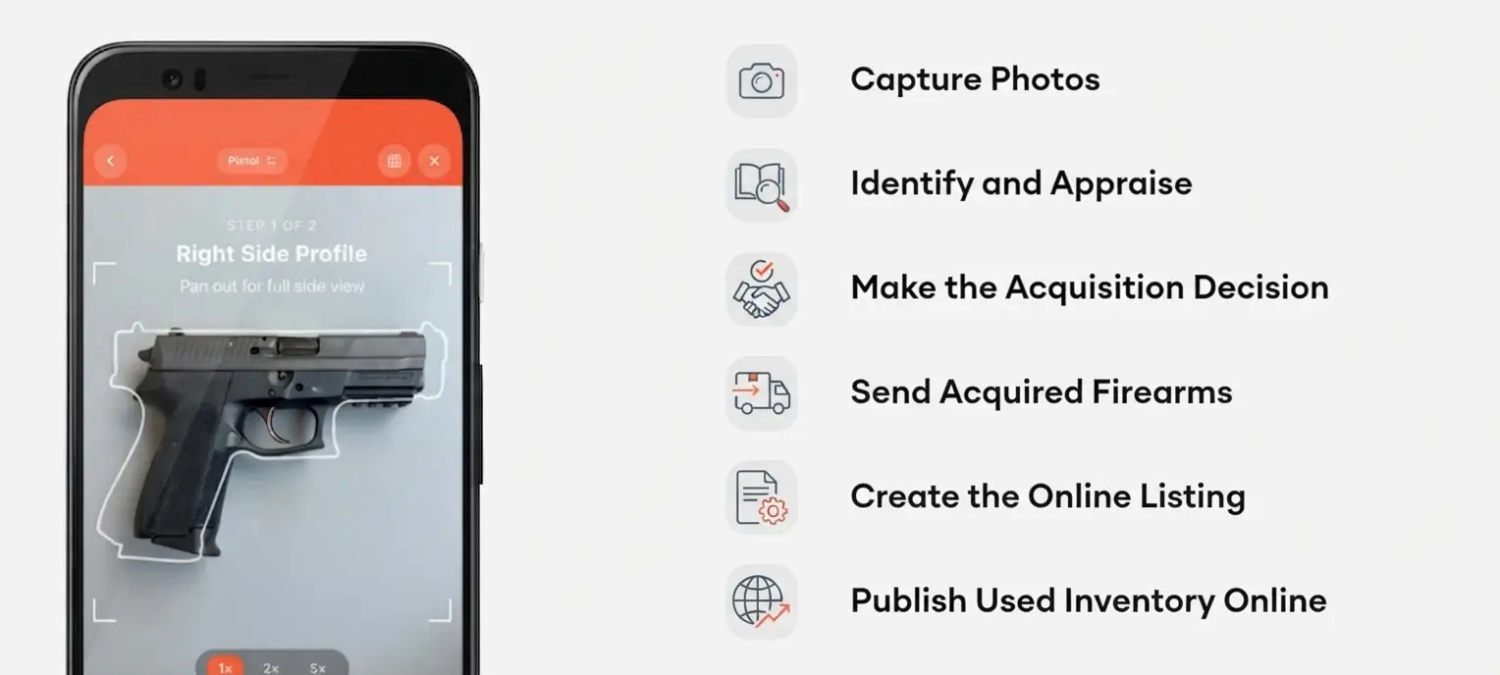
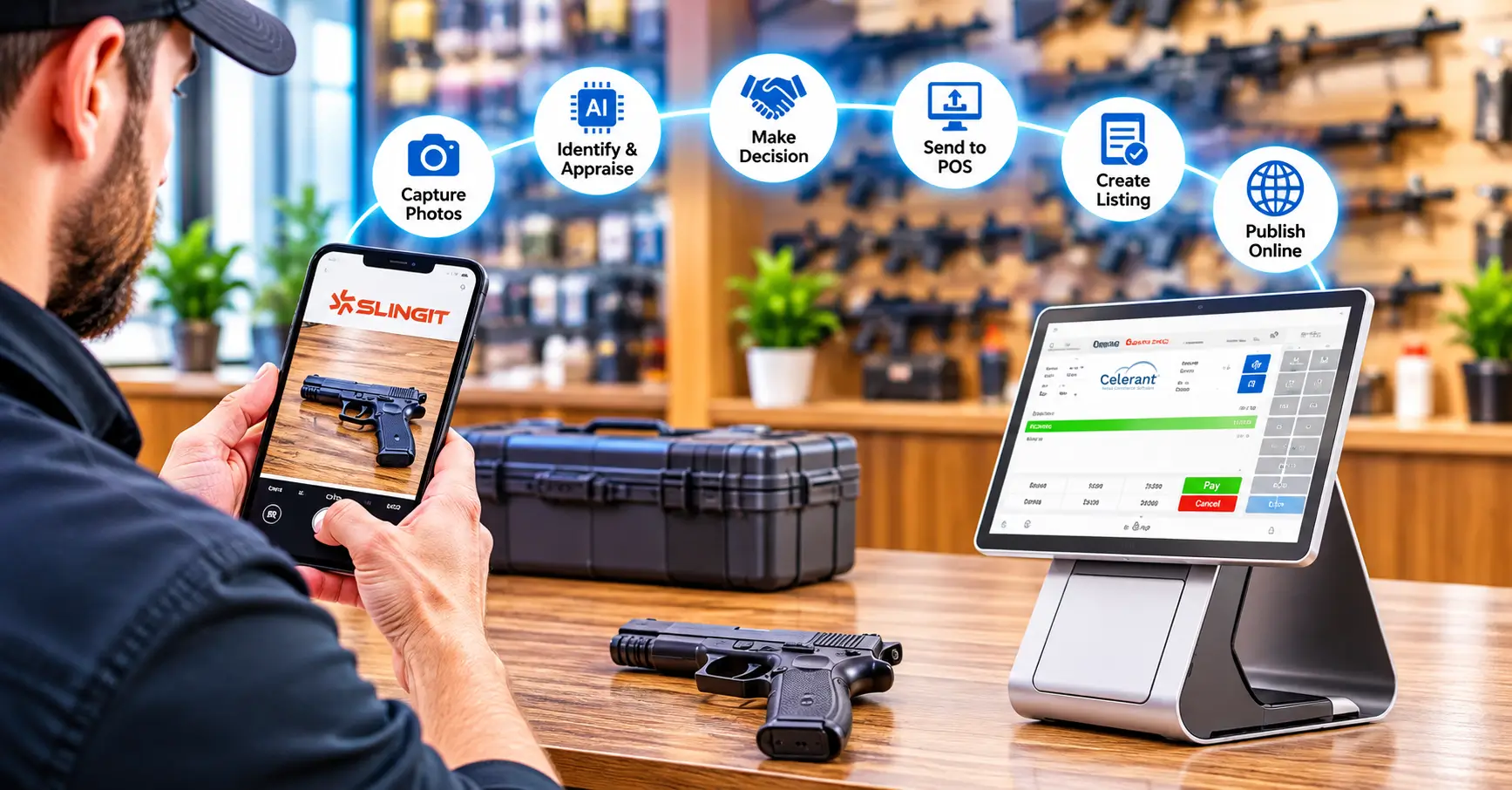
The Slingit integration connects the used firearm evaluation process with Celerant’s retail management system. Dealers can use Slingit to identify and evaluate a firearm, make an acquisition decision, and then add the approved product details to Celerant. Here is an overview of the process:
1. Capture Photos of the Firearm
Start by taking photos of the firearm using Slingit. The platform is designed to work on the dealer’s smartphone, eliminating the need for specialized hardware. The images help Slingit understand the products better for identification and appraisal.
2. Identify and Appraise the Firearm
Slingit uses AI-powered technology to identify a firearm, its make, model, and variants to provide an estimated retail value based on market pricing data. Dealers can configure their pricing and margin preferences to guide acquisition decisions. This gives employees a consistent framework to evaluate used inventory while allowing dealers to review and adjust the suggested information.
3. Make the Acquisition Decision
Once the firearm is identified and evaluated, the next step is to review the available information and decide whether to acquire it. Slingit provides consistent appraisal guidance to employees, reducing reliance on a single experienced buyer. This makes it easier for staff to evaluate the used inventory based on the dealer’s established pricing and margin preferences.
4. Send Acquired Firearms to Celerant
Once a firearm is acquired, its product information can be uploaded into Celerant’s POS and back-office system. This eliminates the need to manually re-enter information and connects the evaluation process with the dealer’s existing retail workflow.
Celerant then enables dealers to manage the product as part of their inventory and continue with their normal retail processes.
5. Create the Online Listing
Slingit also helps prepare the firearm for online sale. Dealers can use the platform to fix product images, generate titles and descriptions based on the firearm’s characteristics and condition.
Team members can review and edit the AI-generated content before publishing, giving dealers control over the final listing.
6. Publish Used Inventory Online
Once the product is uploaded to Celerant, dealers can use its e-Commerce and GunBroker integrations to publish the used firearm online. This creates a connected workflow from acquiring a used firearm and adding it to inventory to creating its listing and making it available to online shoppers.
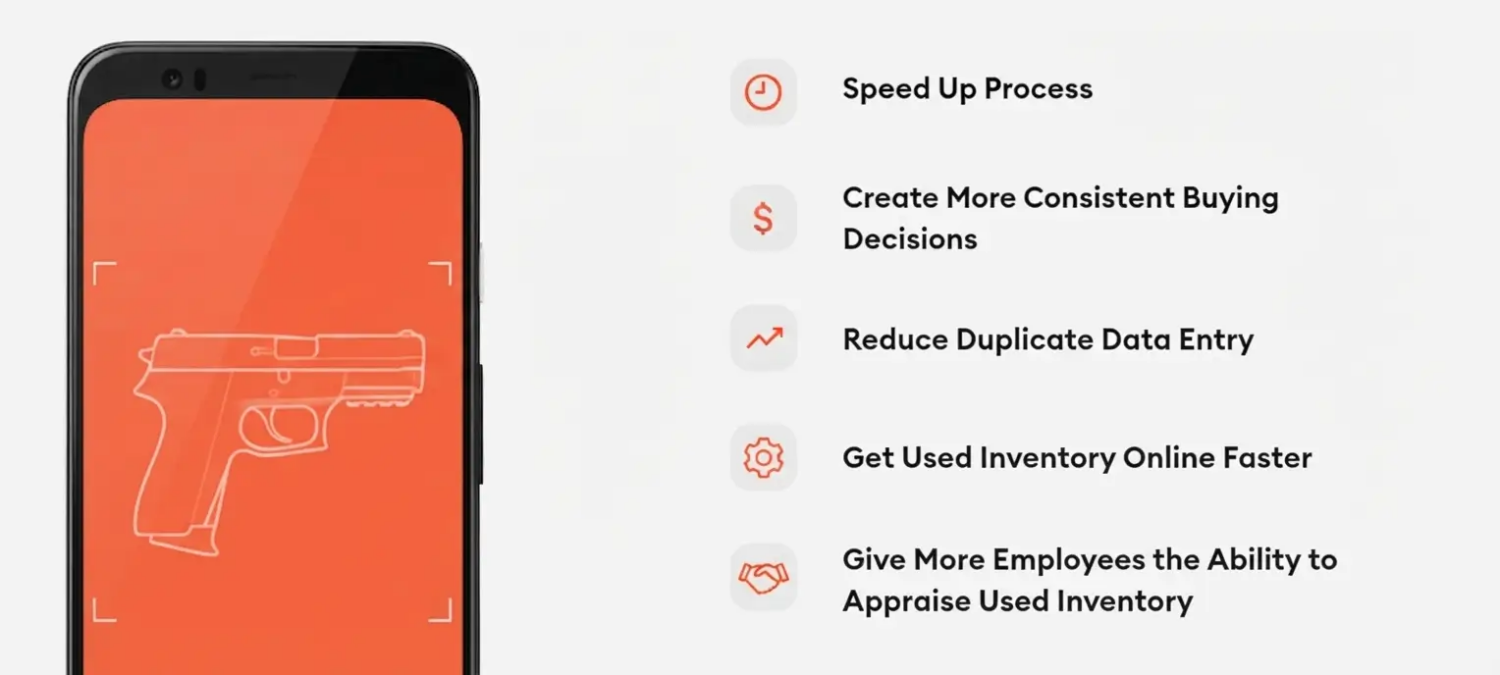
The Slingit integration helps firearm retailers simplify managing used firearms across channels. It reduces the manual work involved in creating listings, updating inventory, and organising product information, helping retailers save time and improve operational efficiency. It also connects used firearm inventory with the broader retail operations.
Speed Up Used Firearm Appraisals
Firearm appraisals can be time-consuming because employees may need to research each firearm individually. Slingit uses AI-powered identification and market pricing information to streamline the process.
Create More Consistent Buying Decisions
Dealers can configure pricing and margin preferences within Slingit. This gives employees a consistent framework for evaluating potential acquisitions. This can also reduce variations between employees and make the used firearm buying process less dependent on individual experience.
Reduce Duplicate Data Entry
Moving firearm information into Celerant’s retail system helps eliminate duplicate data entry between different systems. This frees up employees’ time so they can focus on managing inventory and serving customers.
Get Used Inventory Online Faster
Creating product images, titles, and descriptions for online listings can be taxing for most dealers. Fortunately, Slingit helps automate much of this process, while Celerant connects the retail and e-Commerce workflow to push the products online.
Give More Employees the Ability to Appraise Used Inventory
Slingit enables AI-assisted appraisal of used firearms, allowing dealers to share employee access to a standardized evaluation process. This can help reduce bottlenecks when an experienced buyer or owner isn’t available.

Dealers can start with a 14-day free trial and use Slingit Pro from their own mobile device without specialised hardware. Pricing doesn’t include long-term contracts, and Slingit Pro is listed at $149 per month per location, with unlimited appraisals and users. There is, however, an optional fee per listing, currently listed as $1.99 per listing for the single store plan.
Slingit helps streamline the used inventory process for firearm dealers seamlessly, while Celerant centralizes the retail operations, including POS Solution, inventory, and eCommerce. Together, they can help dealers move from used firearm evaluation to acquisition, inventory management, and online listing with fewer manual steps.




 2017