Blog
POS Security: A Secure System Doesn’t Always Mean a Secure Store
November 3, 2026 / 10+ minute read / By Michele Salerno
Fraud and Security, General, Point of Sale

Blog
I recently joined an expert panel for a National Shooting Sports Foundation (NSSF) webinar focused on POS and retail security. One of the most important topics we discussed was something every retailer should understand:
Your POS provider can secure the platform, but they can’t ensure security for the entire retail business for you.
Security is a shared responsibility between technology providers and retailers — and some of the biggest vulnerabilities we see have very little to do with the sophisticated technology in use.
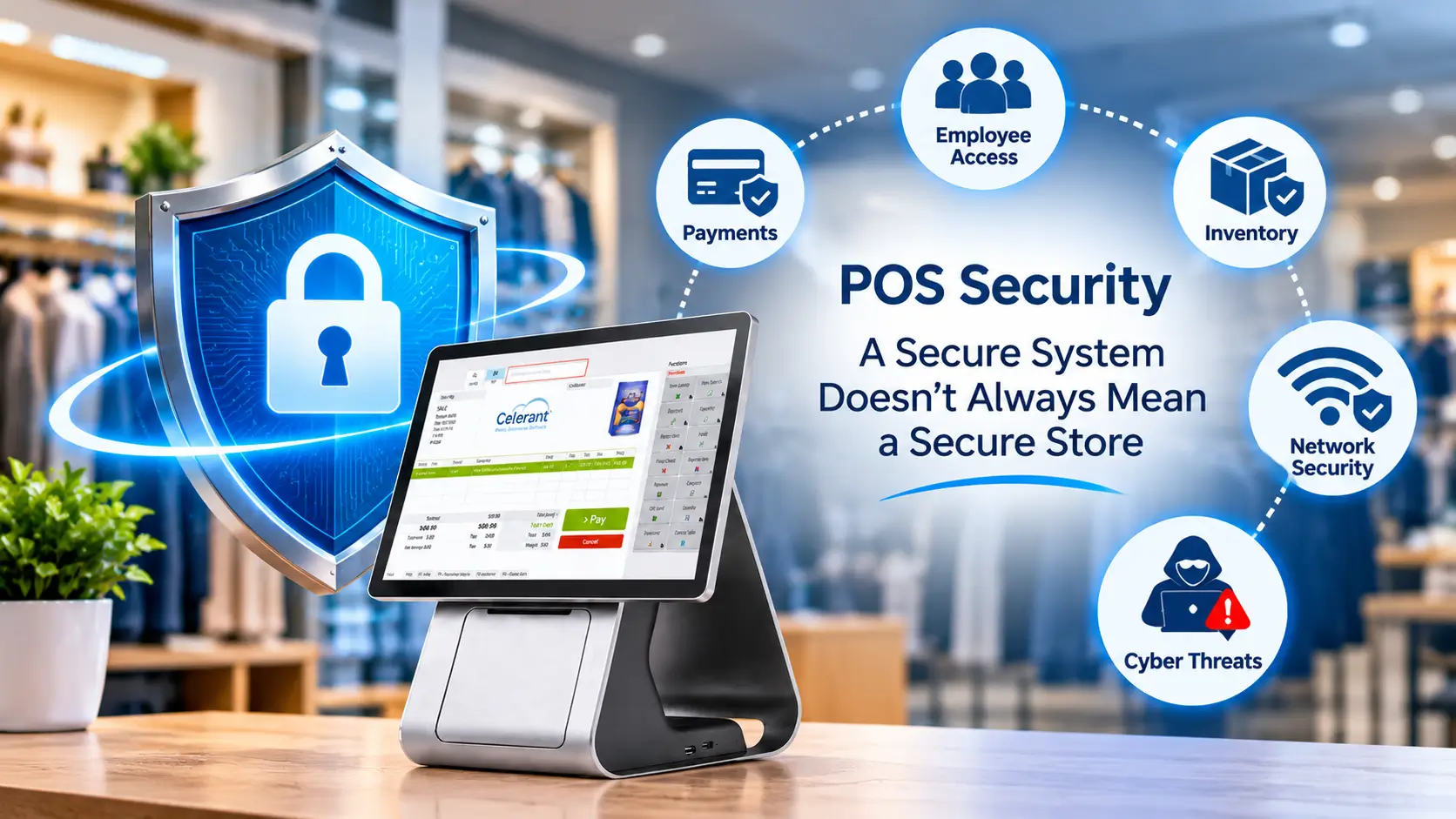
Modern POS systems can process more than just sales transactions. It connects key parts of a retail system, each with its own security concerns.
Customer data
Customer records support compliance, loyalty, marketing, and retention. In other words, they help drive revenue. If this information is misused, it can damage customer trust and even business reputation.
Inventory
For most retailers, inventory is a big investment. Inventory accuracy, purchasing, receiving, and shrink directly affect profitability. Unauthorized changes or employee misuse can affect inventory accuracy and financial losses.
Payments
Retailers may spend less time thinking about the payment side of their POS, but it contains some of the most sensitive transactions and security requirements — and potentially some of the greatest risk. Retailers must understand how POS, payment processors, terminals, and eCommerce checkout systems work together to protect payment information.
Unfortunately, payments and security are often something businesses don’t think about until something goes wrong.
One of the biggest misconceptions in retail security is that modern technology automatically eliminates risk. Technology matters, but even the best-designed system’s security can be compromised by poor access controls and inadequate employee procedures if you don’t manage your operations closely.
Some of the common issues may include:
1. Hosting data without understanding the responsibility
Some retailers choose to host their own data to maintain greater control over their systems. However, self-hosting also means taking responsibility for additional security measures, infrastructure maintenance, monitoring, and updates.
Without the appropriate expertise and resources, a retailer may introduce risks it did not anticipate.
2. Payment fraud through an eCommerce website
Retailers using third-party payment gateways can still encounter payment fraud. For example, card-testing attacks involve attempts to validate stolen payment card details through repeated transactions.
Depending on the payment arrangement, the retailer may face operational disruption, investigation costs, or financial consequences. The exact liability depends on the circumstances, contractual terms, and applicable payment rules.
Using a third-party payment gateway does not eliminate every payment-related risk. Retailers should understand their payment provider’s security controls, fraud-monitoring tools, and responsibilities.
Related: Celerant eCommerce
3. Continuing to use unsupported POS software
Software that has reached end-of-life may no longer receive security patches or vendor support. Continuing to use it can leave known vulnerabilities unresolved and make incident recovery more difficult.
Delaying a necessary migration can also turn a planned upgrade into an emergency if the existing system becomes unreliable or unsupported.
4. Weak passwords and excessive permissions
Not every vulnerability involves a sophisticated technical attack. A shared manager code, a password written on a sticky note, or a cashier account with unnecessary administrative permissions can create opportunities for unauthorized access or misuse.
Similarly, employees may manipulate refunds, voids, discounts, or cash-handling procedures when appropriate controls and monitoring are absent.
5. Unmanaged devices and insecure networks
A personal laptop, outdated device, or poorly secured Wi-Fi network can introduce risks outside the POS solution itself. If devices are connected to the same network without appropriate safeguards, a vulnerability in one area may affect others.
The key lesson is that a secure platform and a secure store are not the same thing. Retailers must manage their own operational security alongside the protections provided by their technology vendors.
Your technology provider should be responsible for the areas of security it controls.
That includes:
But there are important things your POS provider simply cannot control, such as employees keeping passwords private, installing updates that the retailer continually postpones, securing every unmanaged device connected to the store’s network, or monitoring every physical payment terminal.
Security is a shared responsibility. A secure POS is a critical piece of the equation, but it doesn’t automatically mean you have a secure store. Retailers should understand which protections their POS provider manages and which controls they must implement themselves. This includes reviewing contractual responsibilities, hosting arrangements, payment requirements, and the security of connected systems.

Security doesn’t always require a major technology project. Start with the basics.
If you suspect a security incident, contact your technology providers immediately. Don’t start deleting files or wiping machines in an attempt to fix the problem yourself. Information on those systems may be important for determining what happened. Depending on the situation, your POS provider may need to restrict communications or place systems into a lockdown posture while the issue is investigated.
Once systems are secured, the provider can determine whether its software or environment is involved and assist with urgent restores, resets, or other platform-related work as appropriate. However, the retailer also needs its own response plan.
At the same time, retailers must know how to continue their retail operations. They must answer the following questions:
As Mike Tyson famously said, “Everyone has a plan until they get punched in the face.”
Cybersecurity planning is about making sure your plan still works after the punch.
Having backups is important. Knowing how you will use them is just as important.
If your system goes down for an extended period, the priority becomes protecting the integrity of your data, identifying what can safely be restored, and determining the correct recovery point.
Retailers should understand how their POS architecture works:
Where does your data live? How frequently is it backed up? Who manages those backups? What happens if your local environment becomes unavailable? And how quickly can you realistically restore operations?
Whether you’re using a locally installed, hybrid, or fully hosted solution, these are questions worth asking your technology provider now—not during an emergency.

Related: Celerant Back Office
The biggest takeaway from our NSSF discussion was simple:
Security isn’t something you buy once. It’s something you manage every day.
Your technology providers should give you secure platforms, appropriate controls, updates, payment integrations, and infrastructure protections. But retailers still have to manage their people, passwords, permissions, networks, devices, updates, and operational procedures.
Sometimes the biggest security improvement you can make this week isn’t buying another piece of technology. It’s changing a shared password, installing an overdue update, removing unnecessary permissions, or finally documenting what your team will do if the system goes down.
A secure platform is the foundation. A secure business requires everyone to do their part.
This article highlights several topics discussed during the NSSF POS security webinar, where I participated as an expert panelist representing Celerant Technology.
1. Does having a secure POS system mean a retail store is secure?
No. A secure POS system helps protect the software and data within its scope, but the overall security of a store also depends on employee access, passwords, networks, connected devices, payment terminals, physical security, and operational procedures.
2. Who is responsible for POS security: the retailer or the software provider?
POS security is a shared responsibility. The provider is responsible for the software, infrastructure, and services it manages, while the retailer is responsible for its own devices, network, employee permissions, password practices, updates, and day-to-day procedures. Exact responsibilities depend on the system architecture and contractual arrangements.
3. What are the most common POS security risks for retailers?
Risks include shared passwords, excessive user permissions, unsupported software, delayed security updates, unmanaged network devices, payment fraud, physical terminal tampering, and misuse of refunds or discounts. The risks vary by business and should be assessed as part of a broader security review.
4. How can retailers improve POS security without replacing their system?
Retailers can start by assigning unique logins, reviewing employee permissions, removing former employees’ access, installing applicable updates, checking software support status, securing their network, inspecting payment terminals, and reviewing unusual POS activity. They should also establish an incident response and business continuity plan.
5. Why is it risky to use POS software that has reached end-of-life?
End-of-life software may no longer receive security patches or vendor support. Known vulnerabilities can remain unresolved, and obtaining technical assistance during an incident may become more difficult. Retailers should confirm support dates and plan a migration before the system becomes unsupported.