Blog
POS Systems for Retail: How They Work, Types, and How to Choose the Right One
April 6, 2026 / 10+ minute read / By Robert Josefs
Blog
If you’re running a retail store—or planning to open one—you’ve probably heard the term “POS system” more times than you can count. But what does it actually do, and how do you choose the right one for your business?
This guide breaks it down—what a POS system is, how it works, the different types available, and how to choose the best fit for your retail operation.
Let’s jump in.
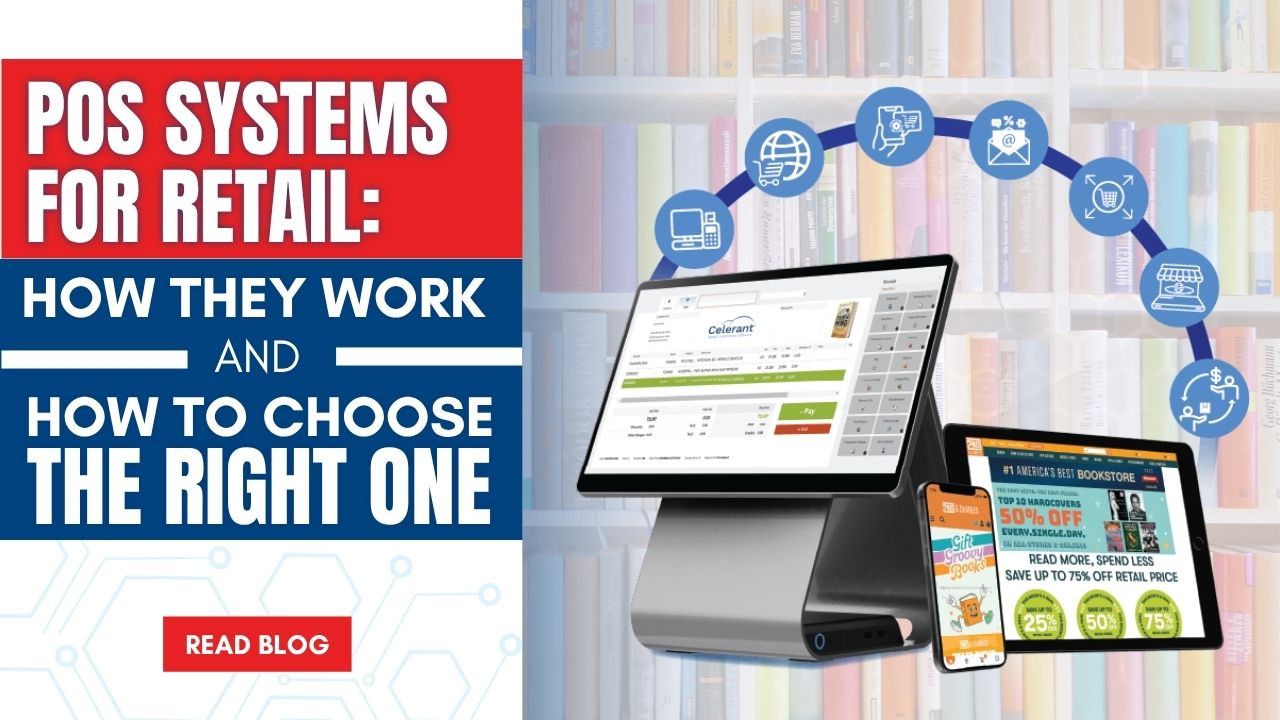
A POS system is far more than a cash register or payment terminal—it’s the operational hub of your entire store. It processes sales, updates inventory in real time, manages customer data, and generates reports, connecting everything from the sales floor to the back office.
Every time a customer checks out, your POS system is working in the background. It records the transaction, adjusts on-hand inventory, logs purchase history, and feeds data into reporting and accounting tools—all automatically, in seconds.
In retail, a POS system is the combination of software and hardware that powers your checkout experience, including:
Understanding how a POS system functions shows why choosing the right one matters. Here’s what happens during a typical retail transaction:
This automated workflow is what separates a modern, all-in-one retail POS from a basic payment processor. The more integrated the system, the less manual work your team has to do—and the more accurate and actionable your data becomes.
Related: Celerant’s Retail POS Solution
A retail POS system is made up of several interconnected components, each playing a critical role in your day-to-day operations. Here’s what to look for:
POS Software
This is the brain of the operation. POS software manages transactions, controls back-office operations, handles reporting, and integrates with your other business tools. The best systems are cloud-based or hybrid, allowing access from anywhere with automatic updates.
POS Hardware
Hardware includes the physical tools used at checkout and on the sales floor—terminals, touchscreen displays, barcode scanners, receipt printers, cash drawers, card readers, and mobile devices. Your hardware should be fast, reliable, and fully compatible with your software.
Inventory Management
Inventory tracking is one of the most valuable functions of a retail POS system. Every sale automatically adjusts stock levels. Advanced systems allow you to set reorder points, automate purchase orders, and manage inventory across multiple locations from a single dashboard.
Customer Management (CRM)
A built-in CRM allows you to capture and manage customer data directly within your POS. This includes purchase history, contact information, and preferences. Retailers can use this data to power loyalty programs, personalized promotions, and targeted marketing campaigns that drive repeat business.
Reporting and Analytics
Your POS is a data engine. It tracks sales by product, category, time, staff member, and location. Strong reporting tools help you make informed decisions about purchasing, staffing, promotions, and growth.
Integrations
Modern POS systems don’t operate in isolation. They connect with eCommerce platforms, accounting software, marketing tools, vendor systems, and marketplaces. The more seamless the integration, the less time you spend reconciling data across disconnected systems.
Related: Keep POS Software Connections Stable

When evaluating POS systems, you’ll typically encounter three main types. Understanding how each works—and which is the right fit—is essential before making a decision.
Cloud-Based POS
A cloud POS stores data on remote servers and is accessible from any internet-connected device. It offers lower upfront costs, automatic updates, and remote visibility into your business. However, it relies on internet connectivity—if your connection goes down, your ability to process transactions may be limited.
On-Premise POS
Also known as traditional or legacy systems, on-premise POS solutions store data locally on an in-store server. They don’t rely on the internet and offer greater control over data. However, they require higher upfront investment, manual updates, and provide limited remote access. These systems are becoming less common as newer options evolve.
Hybrid POS
A hybrid POS combines the flexibility of cloud systems with the reliability of local processing. Retailers can continue processing sales, accessing customer data, and managing operations even if the internet goes down. Data syncs automatically once connectivity is restored, making hybrid POS a strong choice for retailers who need both uptime and flexibility.
| Category | Cloud POS | On-Premise POS | Hybrid POS |
|---|---|---|---|
| Data Storage | Cloud servers | Local on-site server | Local + cloud |
| Internet Dependency | Required (limited offline capability) | Not required | Not required (syncs when online) |
| Upfront Cost | Lower (subscription-based) | Higher (hardware + setup) | Moderate |
| Offline Capability | Limited | Full | Full |
| Scalability | High (easy to scale) | Limited (manual updates) | High |
| Best For | SMBs, remote access | Offline or high-control environments | Growing retailers needing reliability + flexibility |
The biggest hidden cost of a POS system isn’t the price—it’s disconnected tools. An all-in-one system will save you far more time and money long-term.
Not all retail businesses need the same thing from a POS system. The requirements shift based on your size, complexity, and growth stage.
Transaction volume is a key differentiator. A boutique with 30 transactions a day operates very differently from a multi-location retailer processing hundreds per hour. Your system needs to handle peak demand without slowing down.
Store count adds complexity. A single location can operate with a simpler setup, but multiple stores require centralized inventory, consistent pricing, and consolidated reporting.
Inventory complexity also matters. Managing 200 SKUs is very different from managing 20,000 across multiple attributes and locations. As your catalog grows, your POS must support automation, replenishment, and detailed reporting.
As your team expands, you also need role-based permissions and more advanced reporting to support better decision-making.
POS for Small and Independent Retailers
Smaller retailers typically benefit from simpler, more affordable POS systems that handle core functions like sales, basic inventory, customer data, and eCommerce integration. These systems are easy to set up and cost-effective, but they offer limited customization and scalability. If growth is part of your plan, choosing a system with an upgrade path is critical.
Enterprise POS Systems: Built for Scale
Larger retailers require more advanced systems that can manage complexity across multiple locations and channels. Enterprise POS platforms provide centralized control over inventory, pricing, promotions, and reporting, with real-time visibility across the business. They support advanced inventory workflows, omnichannel operations, deep integrations, and enterprise-grade security—giving retailers the control and flexibility needed to scale efficiently.
For any retailer handling payment data, security isn’t optional—it’s foundational. Here’s what to look for in a POS system:
PCI Compliance
Your POS must meet PCI DSS standards for handling, storing, and transmitting cardholder data. Look for systems with built-in compliance tools to help you stay protected and reduce risk over time.
Data Protection
Strong systems use encryption and tokenization to secure transactions. Data should be stored in protected environments with reliable backup and recovery processes.
Role-Based Access Control
A secure POS limits access based on staff roles. Employees only see what they need—reducing the risk of errors, misuse, or unauthorized changes.
System Uptime and Reliability
Downtime means lost revenue. Choose a POS with strong uptime performance, offline capability, and fast issue resolution to keep your business running without interruption.
Choosing a POS system is a long-term decision. The right one improves efficiency, accuracy, and customer experience. The wrong one creates friction—and eventually forces a costly switch.
Focus on these key factors:
Business Size and Complexity
Single-store retailers need simplicity. Multi-location businesses need centralized control, consistent pricing, and consolidated reporting.
Transaction Volume
Your POS must handle peak traffic without lag. Speed and stability at checkout are critical.
Inventory Management
Look for real-time tracking, variant support, and automated replenishment—especially as your SKU count grows.
Integrations and Omnichannel
Your POS should connect seamlessly with eCommerce, accounting, marketing, and other tools. Disconnected systems create manual work and data gaps.
Scalability
Choose a system that grows with you—adding locations, channels, and users without requiring a full replacement.
Security and Reliability
PCI compliance, role-based access, uptime, and offline capability are non-negotiable.
Support and Implementation
Strong onboarding, training, and responsive support matter—especially when issues arise during peak hours.
Choosing the right POS isn’t about features—it’s about fit. The system should align with how your business operates today and where it’s headed next.
Related: Take our short retail software quiz
Choosing the right POS system is about more than features—it’s about finding a solution that fits your business today and scales with you as you grow.
Celerant offers two powerful retail platforms designed to meet retailers at every stage. Cumulus Retail is built for small to mid-sized businesses looking for a flexible, easy-to-use POS with eCommerce and inventory built in. Stratus Enterprise is designed for larger, multi-location retailers that need advanced inventory, omnichannel capabilities, and centralized control across their entire operation.
Whether you’re running a single store or managing a complex retail environment, Celerant provides the tools to simplify operations, improve visibility, and support long-term growth.