Blog
10 POS Software Questions Apparel Retailers Should Ask Before Choosing a System
October 30, 2026 / 10+ minute read / By Muneeza Shahid
General, Point of Sale

Blog
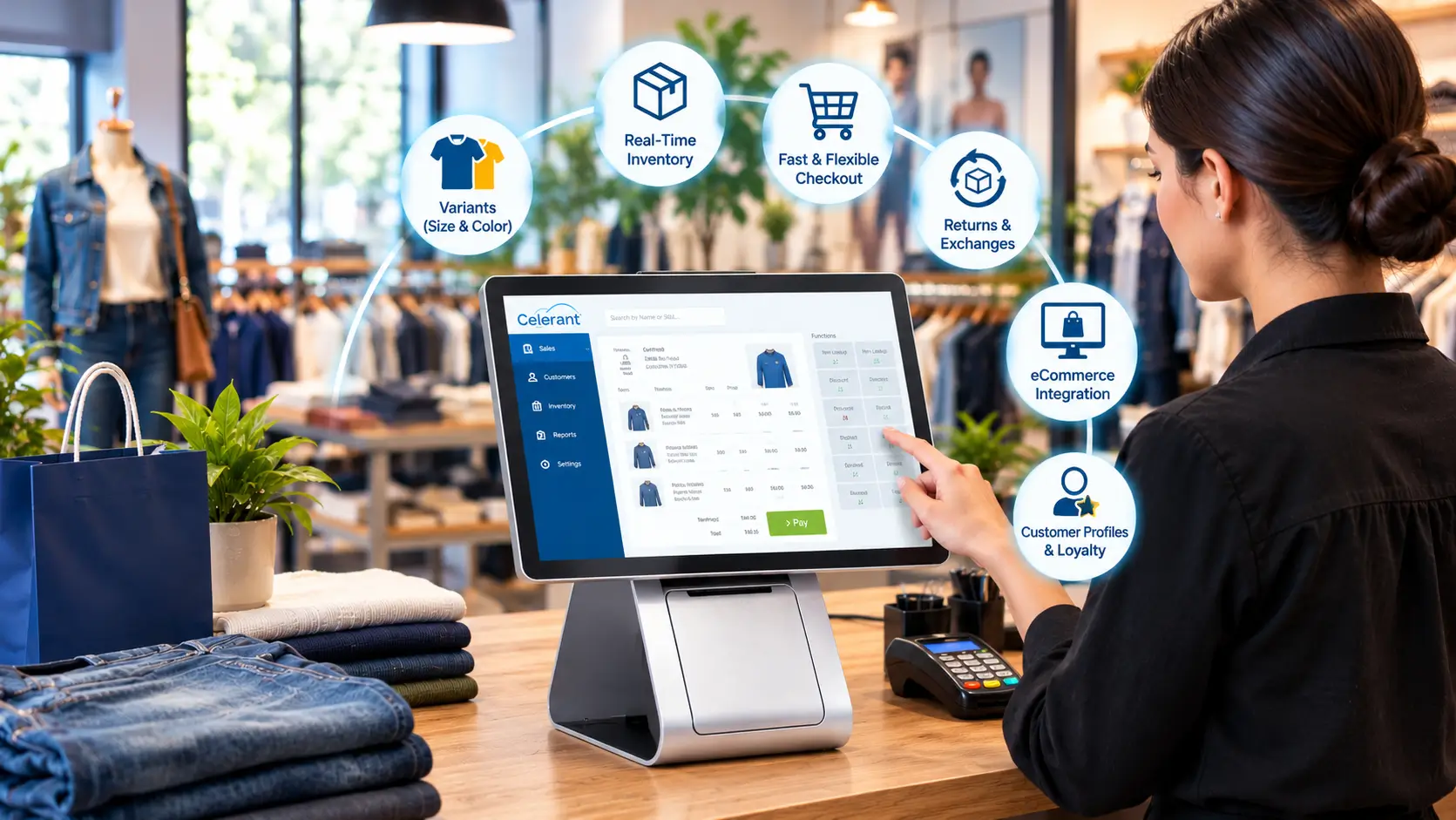
A modern apparel store needs more than a payment processing solution. It needs to ensure accurate inventory by supporting products with multiple sizes and colors, returns and exchanges, tracking customer purchase history, and centralizing in-store and online sales channels into one system.
The right POS can help bring these operations together and give retailers visibility into sales, inventory, and customer data. But that POS solution must be built to handle apparel retail’s specific demands.
Before selecting a solution, ask these 10 questions to understand whether it can meet your current requirements and scale as your business grows.
Most products have multiple variants in the apparel industry. For example, a single shirt may be available in different sizes and colors. This makes it important to track stock accurately. The POS you select should manage attributes such as size, color, style, season, and brand without creating additional hurdles. Always check for features that allow you to:
If your POS can’t identify multiple variants, inventory records can become unreliable, resulting in stock discrepancies and lost sales opportunities.
Inventory accuracy is important in apparel retail because stock is distributed across different sizes, stores, colors, and sales channels. A POS must provide access to real-time inventory updates rather than requiring employees to rely on spreadsheets and manual data entry systems.
Make sure the system shows:
Real-time visibility helps employees to deliver a seamless customer experience. For example, if a particular size isn’t available in a store, staff should be able to check if it is available in another store or sales channel.
A complex checkout process creates long queues, making it harder for employees to offer efficient service. The POS must make it easy for apparel retailers to scan products, apply promotions, identify customers, and accept multiple payment methods.
The interface should also be intuitive enough for employees to learn quickly.
Make sure it supports:
Don’t forget to ask the vendor to show you a specific apparel transaction, not a generic product demonstration.
Returns and exchanges are part and parcel of apparel retail. Customers may need to exchange a product for another size, color, or return an unwanted item. Your POS must support these transactions while automatically updating inventory and transaction records. Always ask how the system handles size and color exchanges, partial returns, returns without a receipt, return policies, and refunds.
A connected POS should update inventory automatically after every transaction to minimize the need for manual updates by employees.
Customers shop using multiple channels, including physical stores, online marketplaces, and eCommerce sites. Some even order online and pick up their purchases in-store. These shopping options make POS and eCommerce integration important specifically for omnichannel apparel retailers.
Ask whether the system centralizes information for product SKUs and variants, inventory, prices, and customer data.
For example, if a customer buys the last small-sized T-shirt online, it must be updated across your in-store and other sales channels’ inventories. Without proper synchronization, your website may end up showing out-of-stock items as available, resulting in overselling.
Customer data helps apparel retailers understand their customers’ purchase behavior to target relevant marketing campaigns. Make sure the POS you choose comes with customer management capabilities. This allows you to maintain customer profiles and purchase histories while supporting loyalty initiatives.
Based on your requirements, ensure that the POS helps track customer purchase history, supports loyalty rewards, customer segmentation, and integrates with SMS or email marketing tools. An important consideration is to ensure that the customer information collected at checkout can be used across the wider retail operations rather than remaining isolated in the POS.
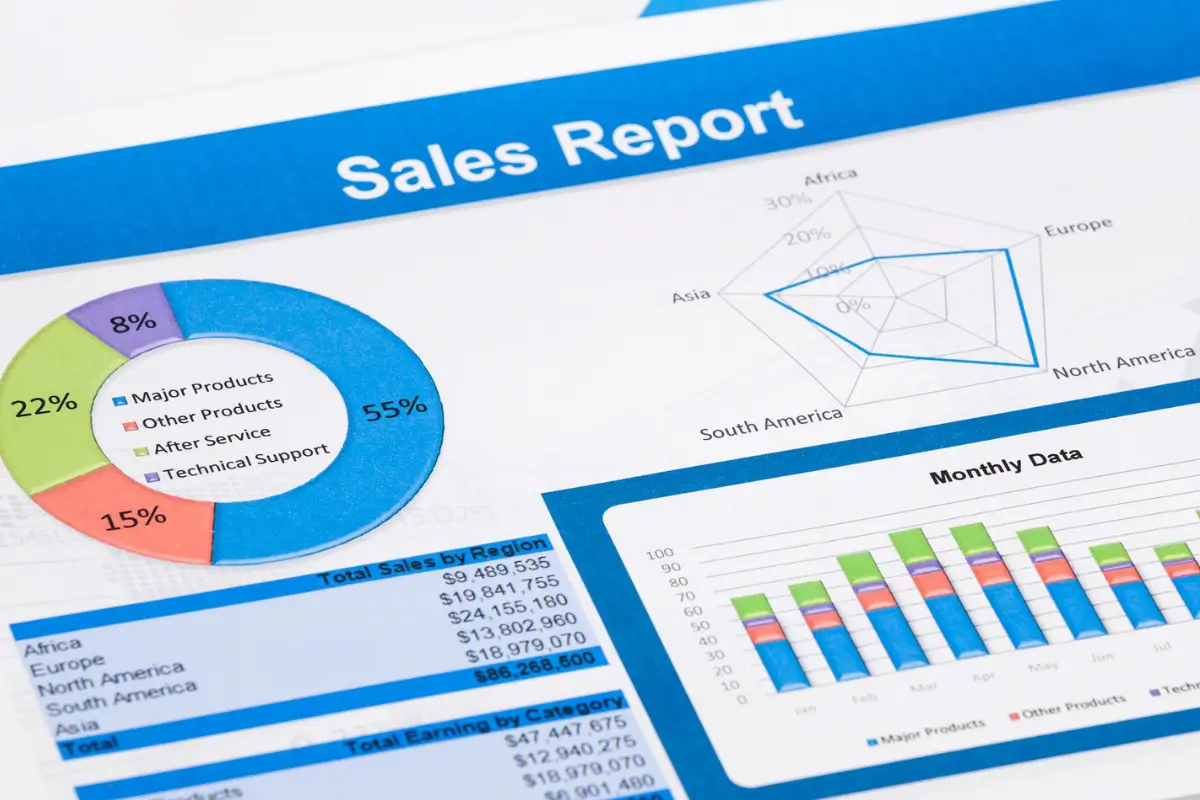
A POS should do more than record transactions. It should help you understand which products are selling, which are underperforming, and where inventory opportunities exist.
A POS must be capable of doing more than recording transactions. It must share statistics to help you identify the best-selling products from the underperforming ones and where inventory opportunities exist.
Useful reports for apparel retailers may include sales data filtered by:
Inventory reports can also help identify slow-moving products, low-stock variants, best-selling sizes, and products requiring replenishment. Detailed reports help retailers make inventory purchase and merchandising decisions using actual sales data instead of assumptions.
Managing multiple retail locations is another important factor to consider when you operate several apparel stores or want to expand. Check for a POS that can manage locations through a centralized system.
A multi-location POS helps you monitor inventory and sales without maintaining completely separate systems for each store.
Key features may include centralized product management, location-specific inventory, stock transfers, consolidated sales reporting, and location-level promotions. This helps employees identify when products are unavailable at a particular store and transfer or order stock in time to complete more sales.

Your POS is only one part of the broader retail technology ecosystem. It must also connect with accounting software, payment processors, eCommerce platforms, marketing tools, and other relevant third-party applications.
Before selecting a POS, make sure it can integrate with the business systems your company already uses. Don’t forget to ask about which integrations are included and whether they come with additional fees.
Your business requirements may change as your apparel business grows. You can add new stores, expand your product range, add more sales channels, and introduce new customer programs. Make sure the POS you choose can support your business growth.
Ask the vendor important questions related to POS scalability, training, and support, user roles and registers, and software updates from the vendor. Also, scalability isn’t just about handling more transactions; it is also about supporting business operations when they become more complex.
There is no one-size-fits-all approach for apparel retailers when it comes to choosing a POS system. Your priorities will depend on factors such as store size, number of locations, sales channels, product catalog, and growth plans.
At the same time, an apparel-focused POS should provide variant-level inventory management, efficient checkout, customer management, flexible returns and exchanges, and integrations with the retail technology your business already uses. For omnichannel retailers, POS and eCommerce integration is particularly important for creating a consistent experience across physical and digital channels. Finally, ask vendors to demonstrate how their POS handles specific apparel workflows, as a generic product demo may not show how well the system meets your needs.
For apparel retailers looking for these capabilities in a connected system, Celerant offers a unified retail management platform designed to bring POS, eCommerce, inventory, and other core retail operations together.
With centralized data and inventory visibility across retail operations, Celerant helps retailers maintain more accurate stock information while supporting a connected customer experience across channels.
A real-world case study is CATO Fashions, a leading apparel retailer with more than 1,000 stores across the US. CATO partnered with Celerant to build its online presence, launching two custom eCommerce websites that connected its online storefronts with retail operations and order fulfillment. By connecting its digital and physical retail systems, it was able to acquire new customers and create a more unified shopping and fulfilment experience.
This example shows how an integrated retail management system can help retailers connect eCommerce and in-store operations to support growth and deliver a consistent customer experience. Interested in how Celerant’s retail management system can help your business connect sales channels, streamline operations, and support long-term growth?
What features should an apparel POS system have?
Key features include product variant management, inventory tracking, barcode scanning, flexible checkout, returns and exchanges, customer profiles, loyalty programs, sales reporting, multi-location management, eCommerce integration, and integrations with accounting and payment systems.
Why is inventory management important for apparel retailers?
Apparel businesses typically manage products across multiple sizes, colors, styles, locations, and sales channels. Accurate inventory management helps retailers reduce stock discrepancies, make better replenishment decisions, and avoid selling products that are unavailable.
Should an apparel retailer integrate its POS with eCommerce?
Yes. POS-eCommerce integration can synchronize products, inventory, orders, and customer information, helping retailers maintain consistent information across physical and online stores.
How much does apparel POS software cost?
POS costs vary based on the provider, features, number of locations, users, integrations, and hardware requirements. Retailers should consider the total cost of ownership, including software, hardware, implementation, integrations, training, payment processing, and support.