Blog
9 Questions to Ask Before Choosing a Retail ERP
October 29, 2026 / 10+ minute read / By Muneeza Shahid
General, Retail
Blog
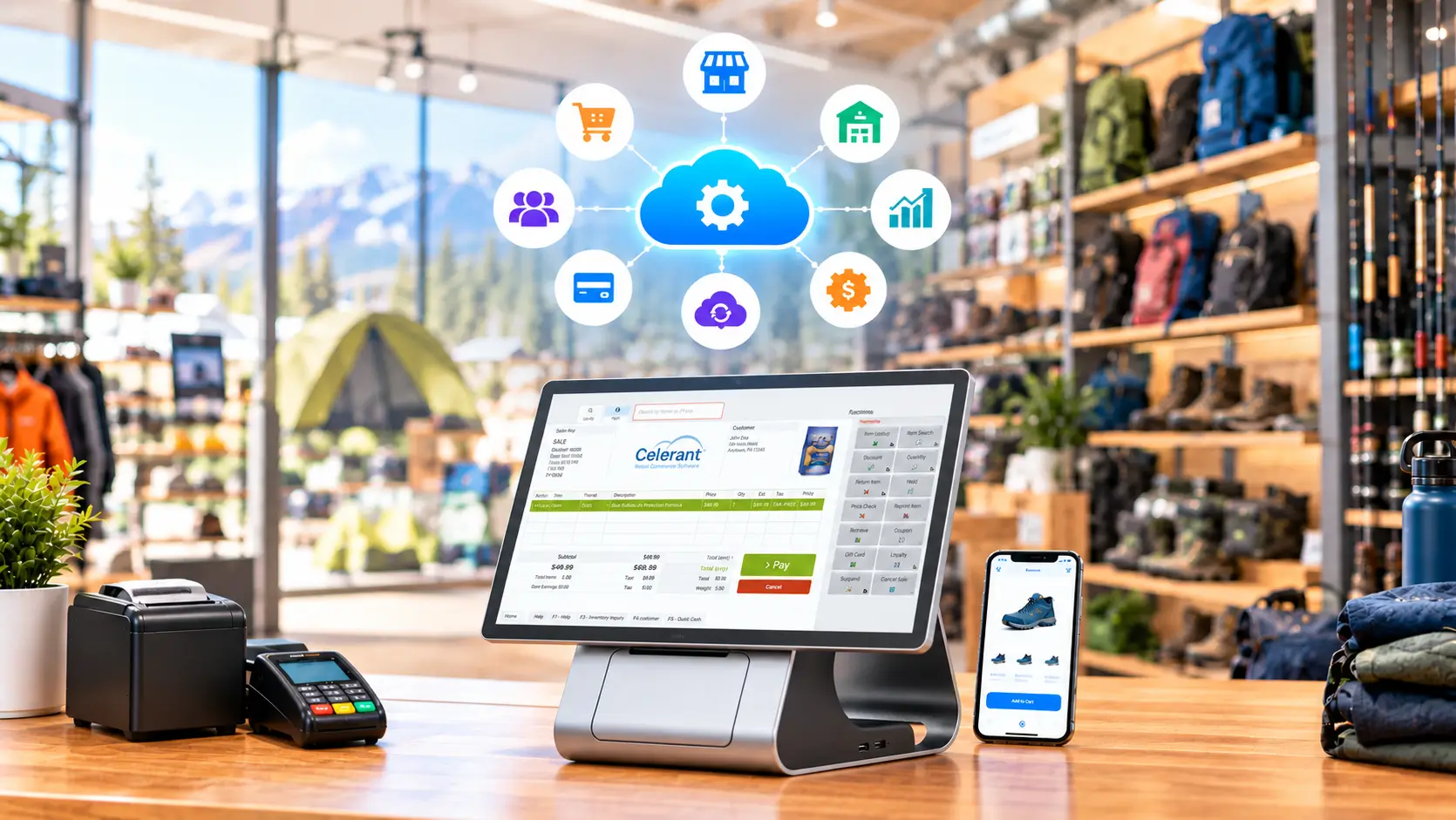
A retail ERP is a long-term investment because it connects your POS with core retail operations, including eCommerce, inventory, customer data, and sales. The wrong ERP can leave your team working across disconnected systems, leading to manual data entry, errors, and inaccurate information.
Many retail solutions are available on the market today, but comparing feature lists alone isn’t enough. You need to understand whether a system accommodates your retail workflows, integrates with your existing technology, and can scale with your business. Before selecting a retail ERP, always ask these nine questions.
A generic ERP system may not be suited to a retail business because of its unique requirements. Retailers need a solution that can manage POS, promotions, product variants, exchanges, returns, inventory transfers, and multiple sales channels.
Before selecting a retail ERP, document your key retail processes. Review how you manage sales, purchasing, customer information, inventory, fulfillment, and reporting. These requirements can then help you evaluate potential ERP providers.
Ask software vendors to demonstrate how the system handles your workflows rather than simply showing you a list of available features. A retail-oriented ERP should simplify operations without forcing your team to rely on manual processes.

When you sell through physical stores and an eCommerce site, your POS solution, inventory, and eCommerce data must stay synchronized. You can’t track an in-store sale in your online inventory without integration. Employees must re-enter orders, customer information, and returns into different platforms, leading to data entry errors and extra work.
Make sure the ERP provider can handle different order fulfillment scenarios, including in-store purchases, online orders, buy online, pick up in store (BOPIS), ship-from-store, returns, exchanges, inventory transfers, and other multichannel orders.
Always ask the vendor to show you how inventory and order data are updated after each transaction is processed. This gives a clearer picture of how connected a platform is.
Accurate inventory information is essential for retailers. When your solution doesn’t share reliable stock data, customers end up with out-of-stock products or canceled orders due to stock discrepancies.
You also need to understand how a retail ERP can help manage inventory across multiple sales channels and locations, including stores, eCommerce, and warehouses. Ask whether inventory updates are done in real time and whether the solution handles product variants, bundles, transfers, adjustments, and incoming stock.
Make sure employees can see inventory availability across multiple locations so they can locate products for customers and make informed fulfillment decisions. You can ask the vendor to walk you through specific inventory scenarios you encounter daily.
A retail ERP solution must grow with your business instead of becoming a bottleneck as you expand. You must plan for the next three or five years. You may add warehouses, stores, sales channels, employees, marketplaces, and product categories. The number of transactions may also increase.
Ask your vendor the following questions:
Knowing these capabilities before implementation helps you choose a system that works for current operations and also expands when your business grows.
Customers today engage with a business through different channels. They may browse your website, purchase in a store, contact customer service, and return an item through a different channel. When the customer records are fragmented across systems, employees don’t have the necessary information to provide consistent service.
Ask the vendor whether the ERP provides centralized customer profiles, contact information, purchase history, and transaction data across channels.
You also need to find out how employees can access customer information during a service or a sales interaction. A connected customer record gives your team access to purchase history, which can support personalized marketing and product recommendations.
Your retail solution should integrate with relevant applications such as eCommerce platforms, accounting tools, payment gateways, shipping solutions, marketplaces, loyalty tools, and analytics platforms.
Create a list of the systems you currently use and identify which ones need to connect with your ERP.
Don’t forget to ask vendors about built-in integrations, available APIs, third-party integrations, integration management, associated costs, and how integrations are maintained when connected platforms change.
Remember that an ERP can only integrate with another system when a compatible integration or API is available.
Your employees will determine how effectively the ERP performs in everyday operations. A platform can offer extensive functionality, but a complicated interface can make adoption difficult.
Include the people who will actually use the system in your evaluation. Store associates, managers, inventory teams, buyers, customer service representatives, and back-office employees may all have different requirements.
Don’t forget to ask whether the vendor provides formal training and whether employees can access ongoing documentation and support. Test the system with real users to identify usability issues that may otherwise remain hidden during a vendor presentation.
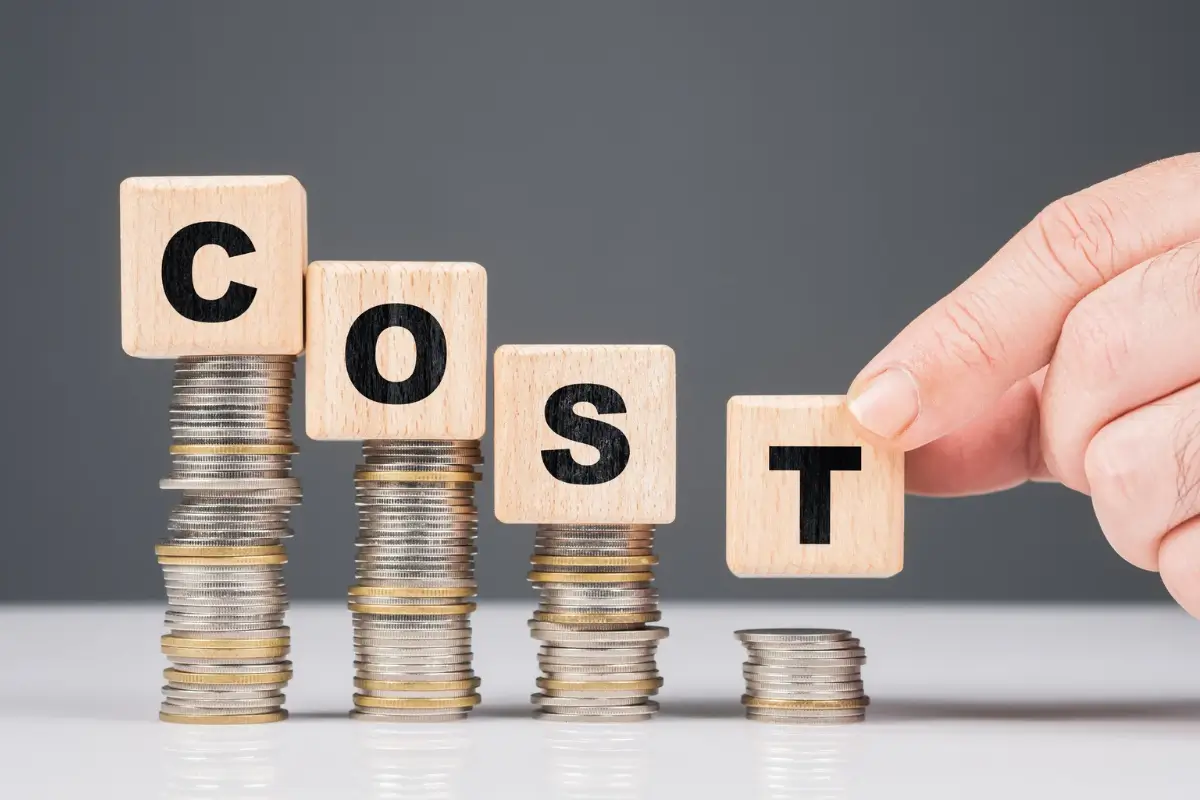
The subscription fee is only one part of the total cost. You should understand all costs associated with purchasing, implementing, and maintaining the system. This usually includes:
Don’t forget to ask vendors to share a breakdown of both upfront and recurring costs.
Make sure to clarify what is included in the standard package. A solution with a budget-friendly price can become expensive if its main functionality requires additional modules, customization, and integrations with third-party retail tools.
The subscription fee is only one part of the total cost. You should understand all costs associated with purchasing, implementing, and maintaining the system. This usually includes:
Don’t forget to ask vendors to share a breakdown of both upfront and recurring costs.
Make sure to clarify what is included in the standard package. A solution with a budget-friendly price can become expensive if its main functionality requires additional modules, customization, and integrations with third-party retail tools.

Selecting a retail ERP solution is just the beginning. Implementation can affect sales, inventory records, customer data, employee workflows, and reporting. This is why it’s important to understand how the implementation process will be managed. A clear implementation plan helps your business prepare for the transition and gives your team a better understanding of what to expect.
Also, ask the vendor to explain the implementation process from start to finish.
Create real-world scenarios based on your store and eCommerce operations. Pay attention to how the platform connects sales data, handles customer information, and manages inventory and orders. The goal is not to find the ERP with the most features, but to find a platform that can support your retail operation without adding unnecessary complexity.
Once you have identified your requirements, compare vendors based on how well their platforms meet those needs rather than simply comparing feature counts.
The Celerant retail management solution is an example of a platform designed to simplify end-to-end retail operations. It brings POS, inventory, orders, and sales together in one connected system.
Some real-world case studies include names such as Stein’s Garden & Home, Mast General Store, and New Heights Supply, which have used Celerant to connect multiple stores and sales channels to manage inventory and fulfill eCommerce orders across locations. These examples demonstrate how retailers can use a unified system to bring their stores and sales channels together, improve operational visibility, and support business growth.
What is a Retail ERP?
A retail ERP is software that connects key retail processes such as sales, inventory, purchasing, financial operations, and customer management. It can also connect retail systems such as POS, eCommerce, fulfillment, and inventory management to provide a more centralized view of retail operations.
What Should I Look for in a Retail ERP?
Make sure the system fits your retail workflows, connects sales channels, provides accurate inventory information, supports customer data management, integrates with your existing technology, and scales with your business. Also consider usability, implementation requirements, ongoing support, and total cost of ownership.
What is the Difference Between a Retail ERP and a POS system?
A POS system handles transactions at the point of sale. A Retail ERP covers a wide range of business operations, connecting sales, customer data, inventory, purchases, and back-office processes. Some unified commerce solutions bring POS and eCommerce together under one system.
Can Small Retailers Use an ERP?
A retail ERP solution can be a good option for small and growing retailers, particularly when they operate across multiple sales channels or locations. However, small businesses should consider their requirements, ease of use, pricing, and scalability before choosing a platform.
How Long Does it Take to Implement a Retail ERP?
There isn’t a single implementation timeline. It depends on factors such as the number of locations, data volume, customization, integrations, and the learning curve for employees. Ask vendors to provide a project timeline based on your specific requirements rather than relying on a standard estimate.